
Markdown
The content of your files is parsed with league/commonmark, so everything from the CommonMark spec works: headings, lists, links, images, code blocks and so on.
On top of that, we add a few extensions of our own, described below.
Markers
To highlight words in the primary color of your panel, wrap them in ==:
In this example, ==this text== will be marked.

Tables
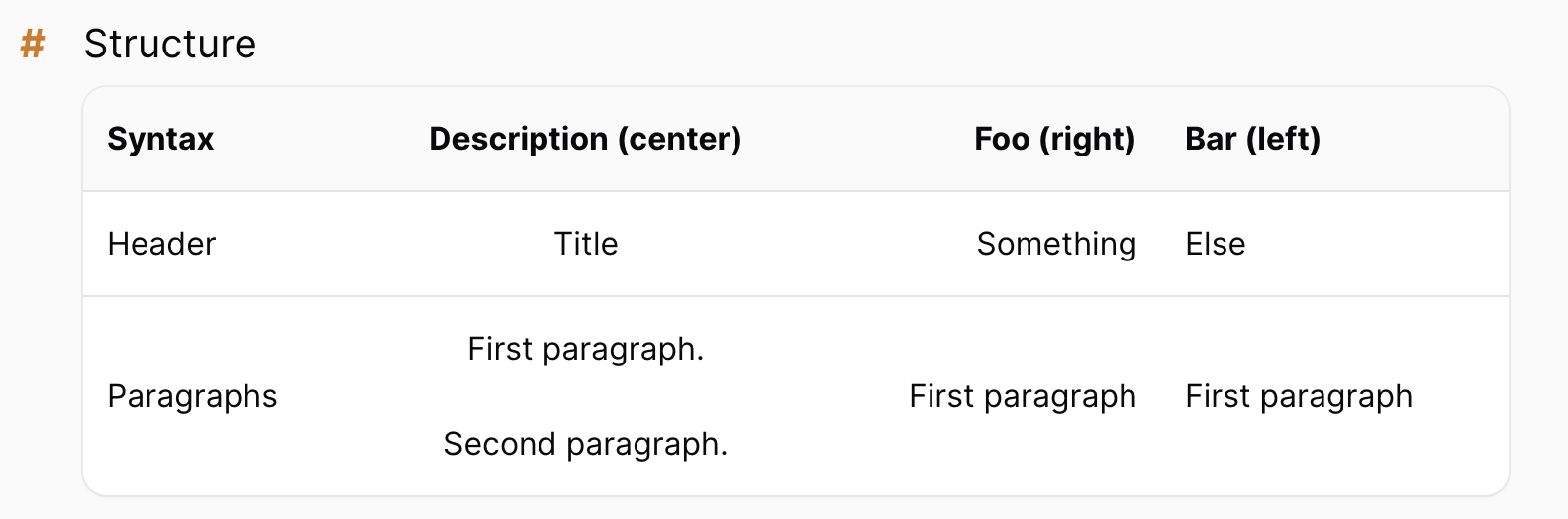
Regular markdown tables are rendered styled to match filament tables:
| Syntax     |             Description (center)              |     Foo (right) | Bar (left)      |
|------------|:---------------------------------------------:|----------------:|:----------------|
| Header     |                     Title                     |       Something | Else            |
| Paragraphs |  First paragraph. <br><br> Second paragraph.  | First paragraph | First paragraph |
Quotes
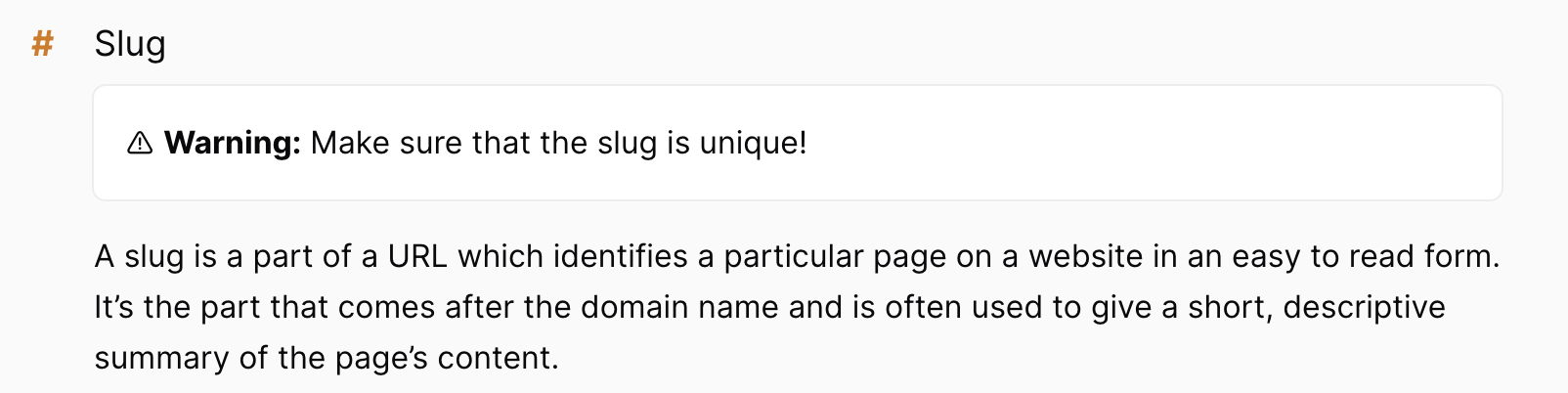
Blockquotes are rendered as neat banners:
> ⚠️ **Warning:** Make sure that the slug is unique!
If you'd rather have plain tables and quotes, you can disable the filament styling.
Syntax highlighting
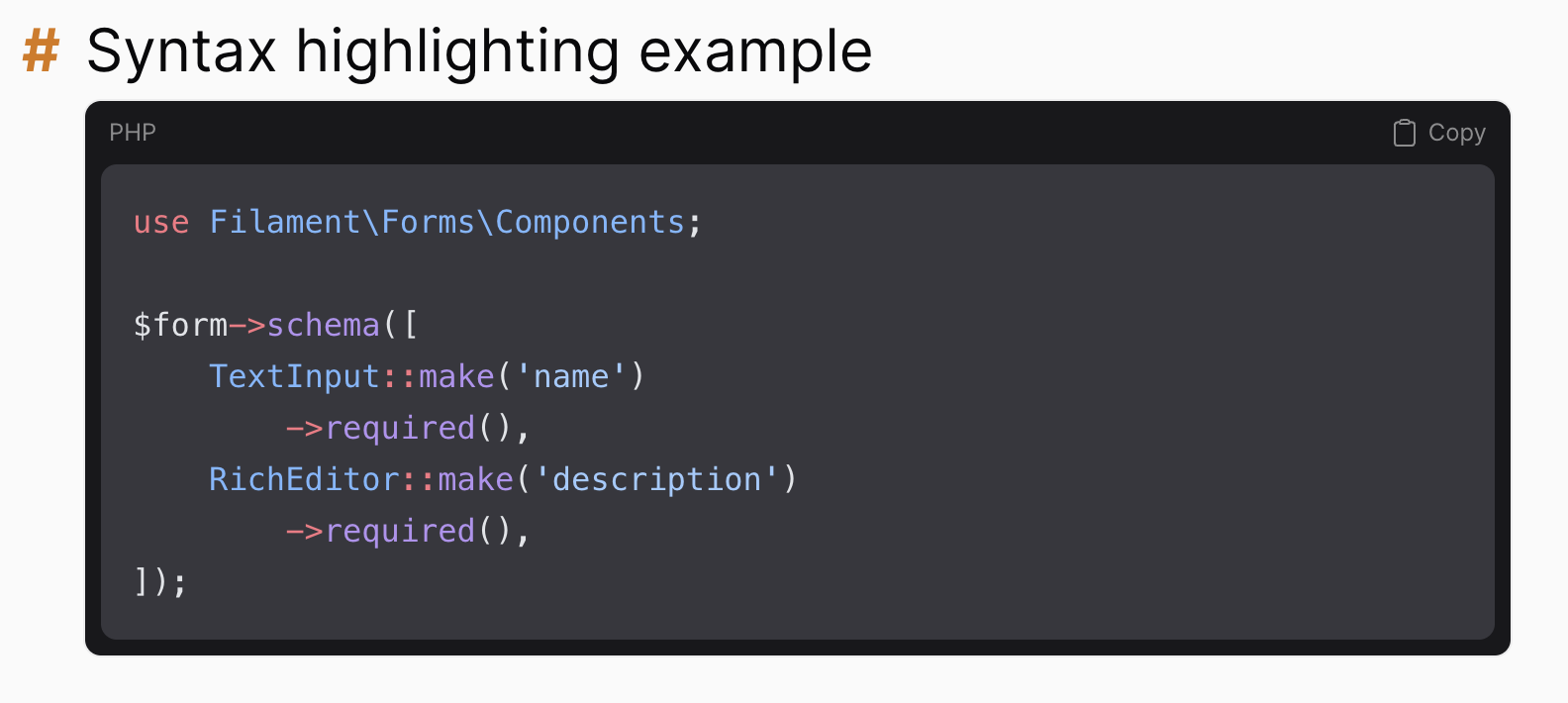
Code blocks are highlighted by Phiki, which ships with the package and runs in PHP. There is nothing to install and no NodeJS required on the server.
It is enabled by default. Highlighting happens when the markdown is rendered, so the result is cached along with the rest of the document.
To turn it off:
$plugin->disableSyntaxHighlighting();
Images and vite assets
You can include vite assets with the regular image syntax. Use the same path you would pass to Vite::asset():

We wrap relative paths in Vite::asset() automatically, so this works with npm run dev on localhost as well as with built assets on production.
Including other files
You can include one markdown file inside another:
@include(prologue.getting-started)
The parameter is the ID of the file to include.
This is especially useful for partials: extract small reusable snippets into their own (hidden) files, include them in your main documentation, and link only the snippet to a help action in your regular panel. No duplicated content.
Customizing CommonMark
If you need more control over the markdown pipeline, you can hook into the CommonMark environment, options and converter:
$plugin->configureCommonMarkEnvironmentUsing(
    fn (EnvironmentBuilderInterface $environment) => $environment
        ->addExtension(new MyCustomExtension())
);

$plugin->configureCommonMarkOptionsUsing(
    fn (array $options) => [...$options, 'html_input' => 'escape']
);

$plugin->configureCommonMarkConverterUsing(
    fn (ConverterInterface $converter) => $converter
);