
Modal previews
Na této stránce
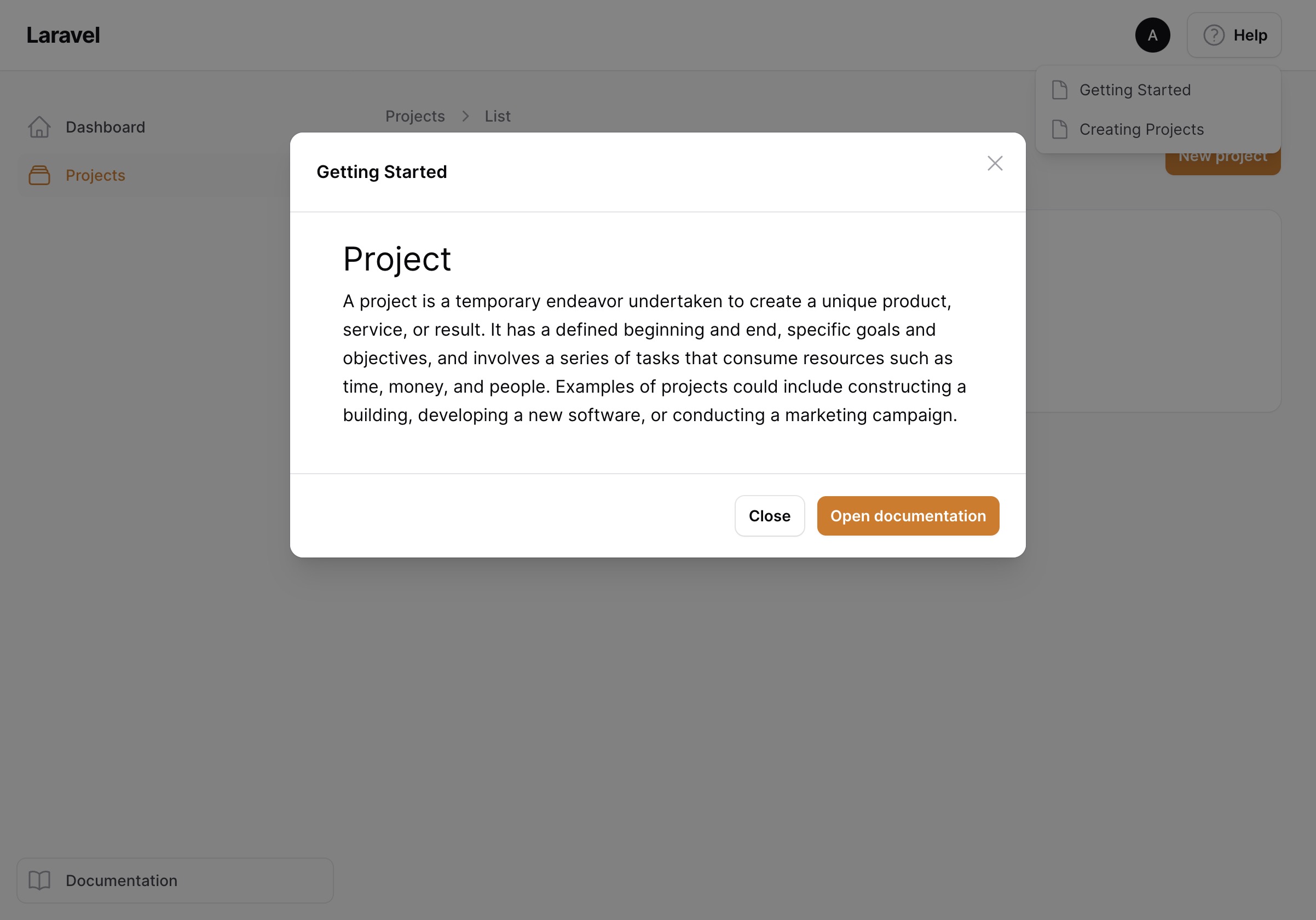
Instead of sending your users to the knowledge base panel, you can render the documentation in a modal right inside your regular panel. This affects the help menu, help actions and modal links.
Enable it on the companion plugin:
$plugin->modalPreviews();
Slide overs
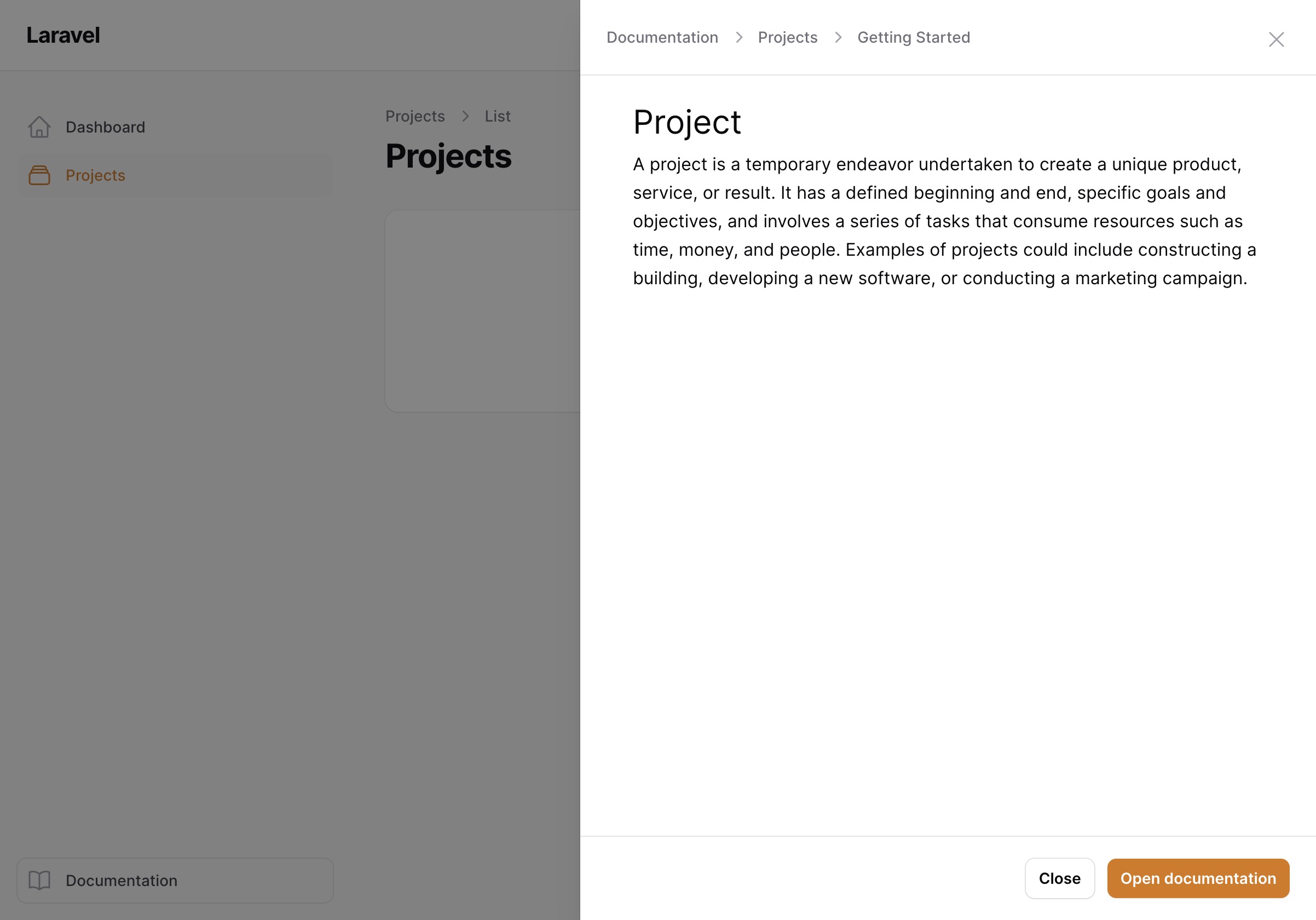
If you prefer slide overs instead of centered modals, additionally enable:
$plugin->slideOverPreviews();
Breadcrumbs in the title
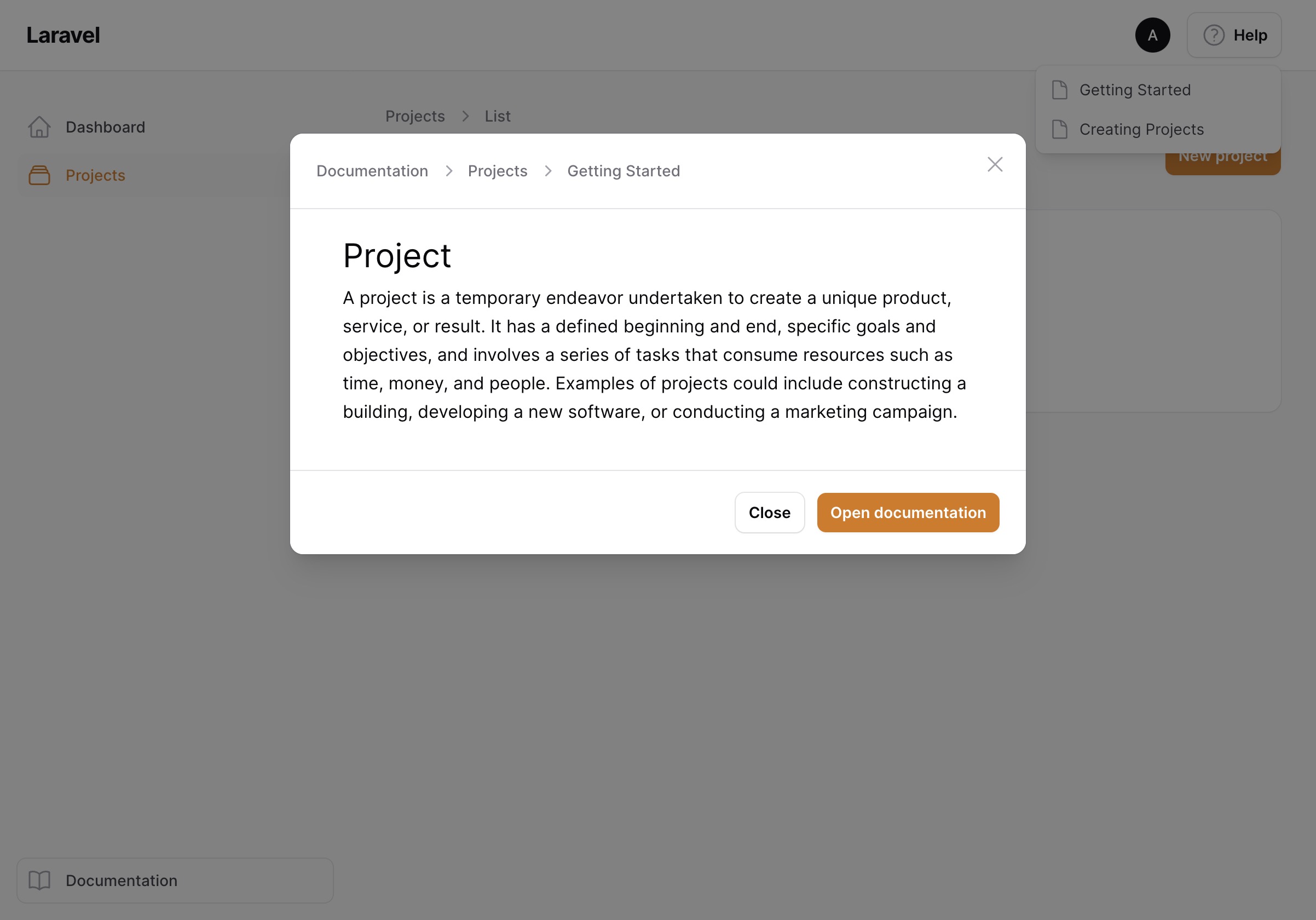
By default, the modal title is the title of the documentation page. If you'd rather show the full breadcrumb path:
$plugin->modalTitleBreadcrumbs();
Hiding the "Open documentation" button
Modal previews have a footer button linking to the full documentation page. If you only use the modal previews and don't expose the knowledge base panel to your users, you can remove it:
$plugin->disableOpenDocumentationButton();