
Search result views
Out of the box we provide three different views for the search results, so you can choose the one that fits the amount of icons you offer and the space you have.
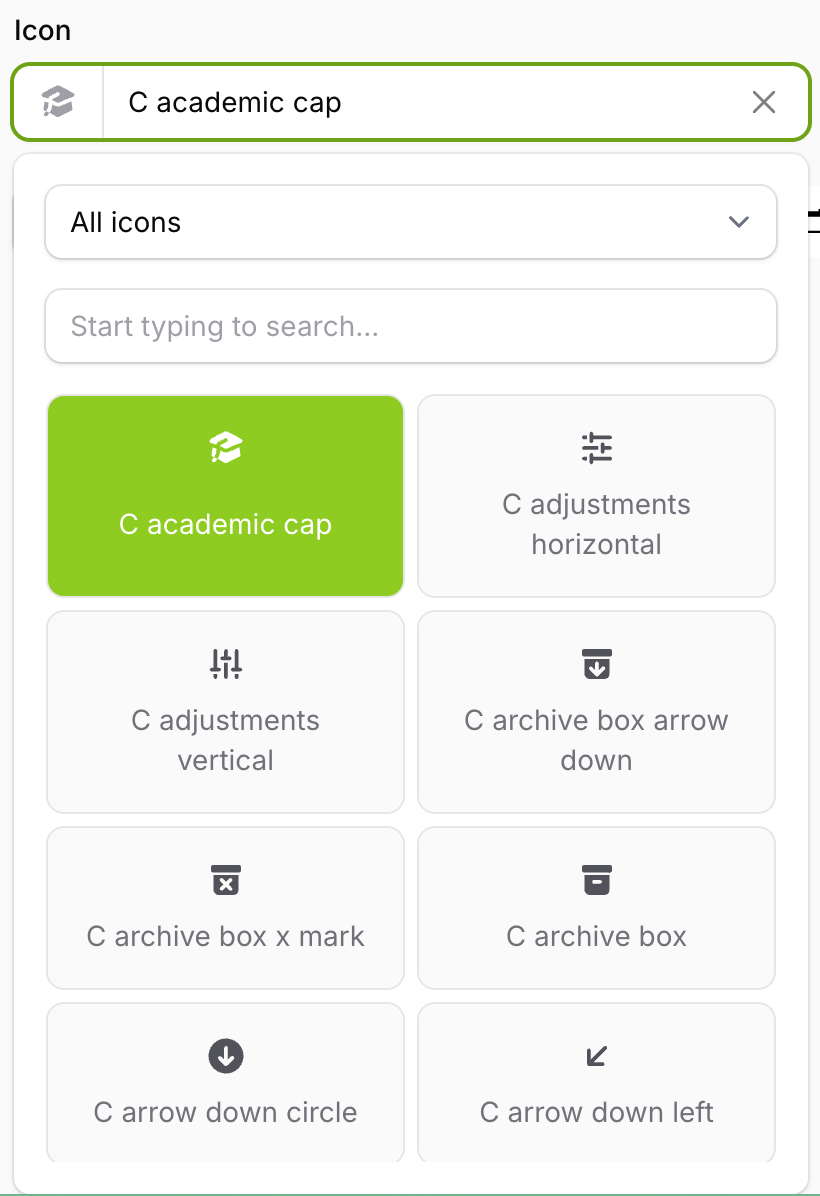
Grid view
This is the default. Icons are shown in a grid with their name underneath.
IconPicker::make('icon')
    ->gridSearchResults();
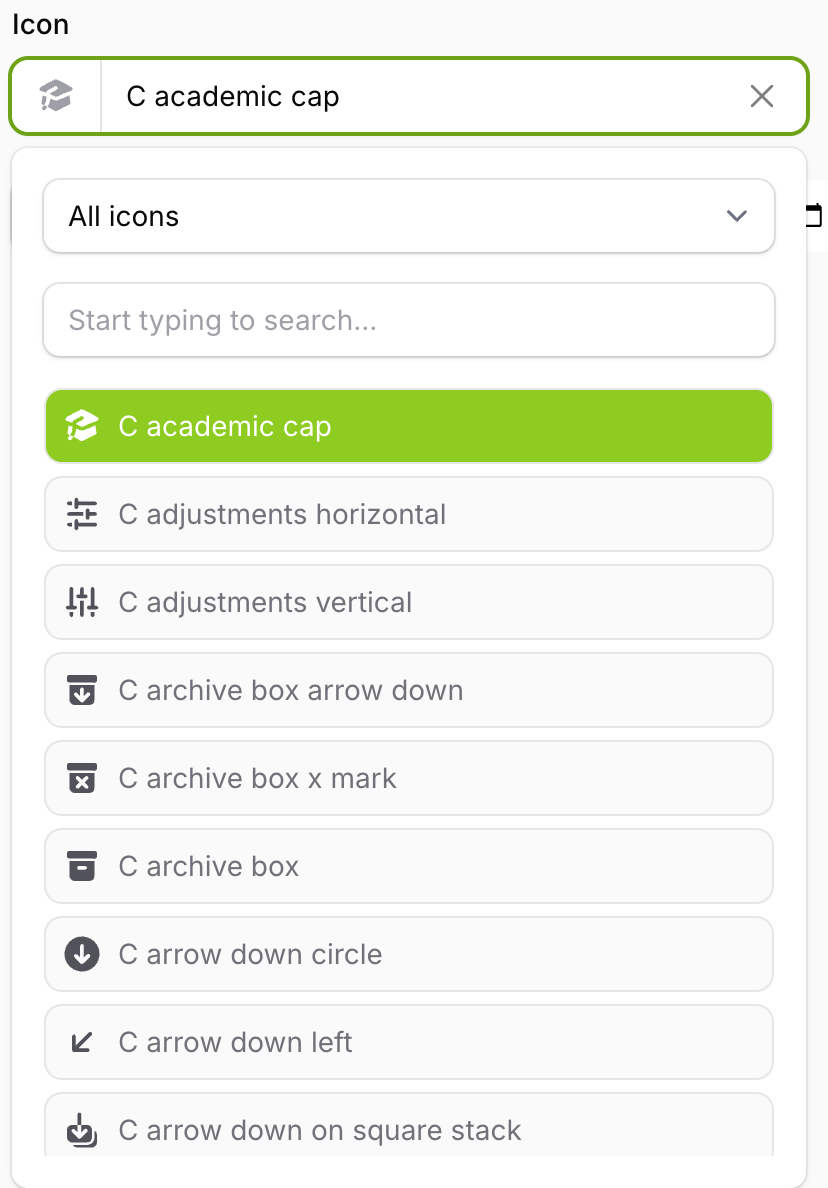
List view
Icons are rendered in a list together with their name.
IconPicker::make('icon')
    ->listSearchResults();
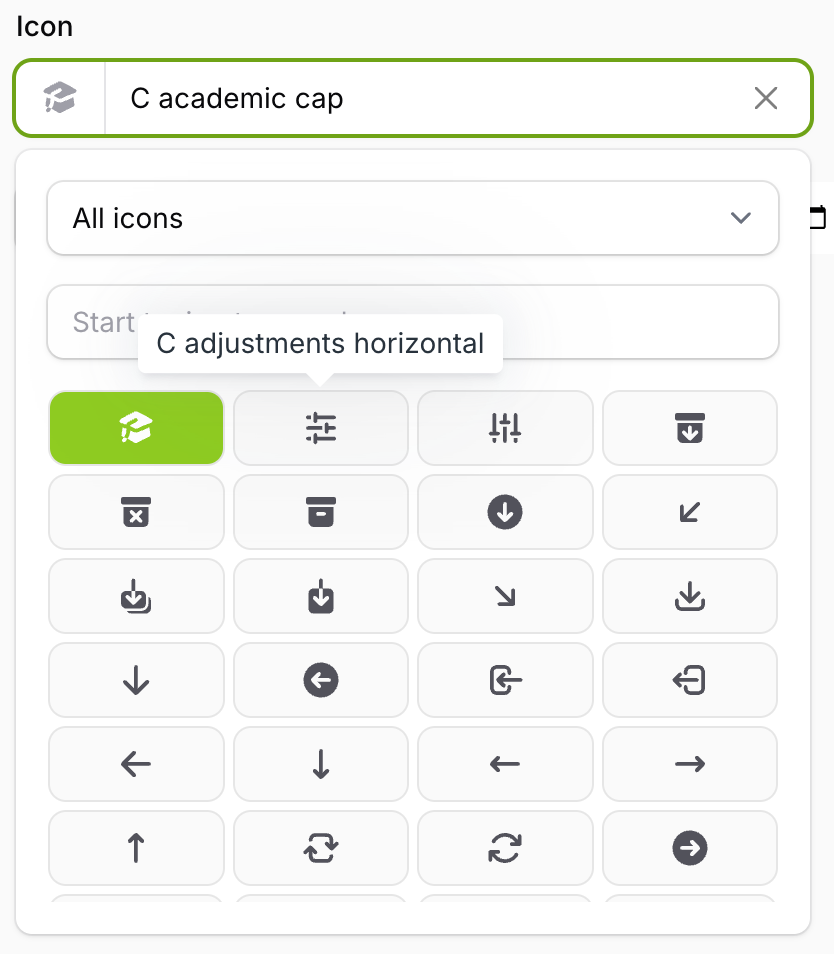
Icons view
Icons are rendered in a compact grid with only the icons visible. This one fits the most icons on screen, so it's a good choice for large sets.
By default each icon has a tooltip with its name. You can turn the tooltips off if you don't want them:
IconPicker::make('icon')
    ->iconsSearchResults();      // With tooltips

IconPicker::make('icon')
    ->iconsSearchResults(false); // Without tooltips
Using your own view
If none of the three fit, you can render the results yourself. Please see custom search results view.